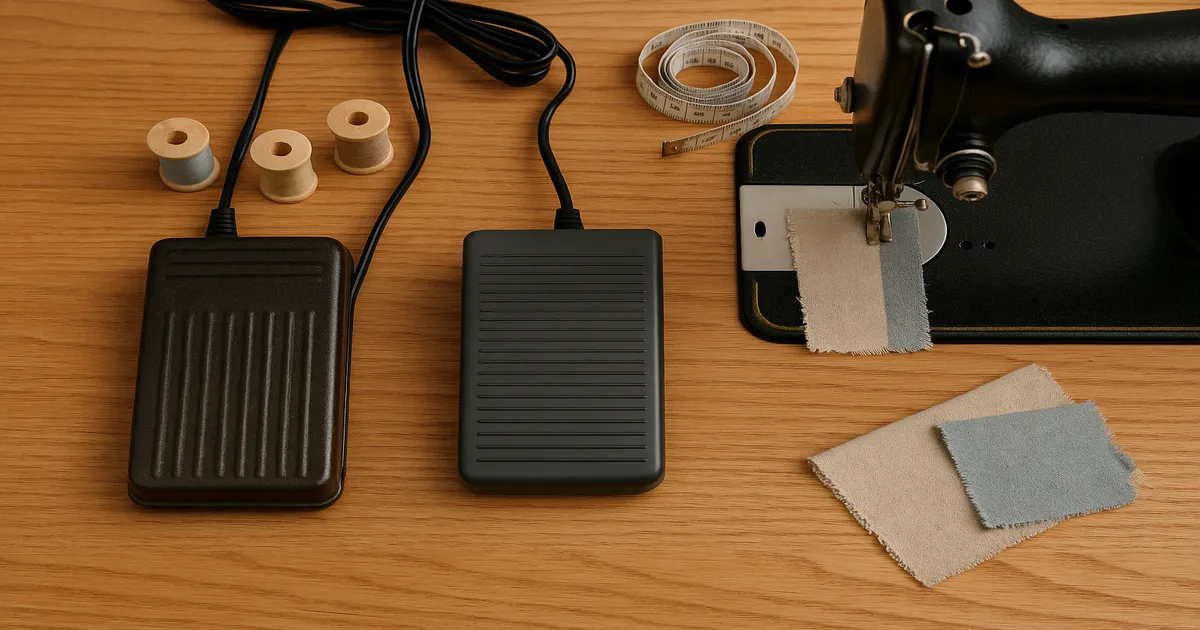
Quick Answer: Replacing your foot pedal can affect stitching speed — but only if the replacement doesn’t match your machine’s specs. A correctly matched pedal (same voltage, wattage, resistance range, and connector type) will perform identically to the original. Get those specs wrong and you’ll end up with a machine that either crawls or bolts.
So you’re wondering: will replacing the pedal slow down how fast my machine stitches? The honest answer is it depends entirely on what pedal you buy. The foot pedal isn’t some passive accessory — it’s the electrical brain of your machine’s speed control. Get the replacement right and nothing changes. Get it wrong and you’ve got a real problem on your hands.
Can a New Pedal Change Your Stitching Speed?
Your foot pedal controls speed by varying electrical resistance. A pedal with the wrong resistance range will either starve your motor of current (too slow) or flood it (too fast and nearly uncontrollable). A pedal that matches your machine’s specs exactly? You won’t notice any difference at all.
If you buy the correct OEM replacement or a properly spec’d aftermarket pedal, your machine will behave exactly as it did before — same acceleration feel, same top speed, same everything. That’s the outcome you’re aiming for.
A mismatched pedal, though, can go wrong in three distinct ways:
- Too slow: The pedal has higher resistance than your machine expects, so it can’t deliver enough current to reach full speed.
- Too fast and uncontrollable: Resistance is too low, dumping nearly full current to the motor with barely any pedal pressure. Genuinely scary.
- Erratic behavior: On computerized machines, an analog pedal where a digital one is expected produces dead zones, surges, or complete loss of speed control.
How a Foot Pedal Actually Controls Stitching Speed
It’s a Variable Resistor, Not a Simple Switch
Think of your foot pedal as a dimmer switch. Inside is a rheostat — a component that reduces electrical resistance as you press down, letting more current flow to the motor. More current means a faster motor, faster needle, more stitches per minute. Release the pedal and resistance climbs back up, slowing everything down.
Most domestic machine pedals span a resistance range of roughly 0–10,000 ohms (Ω). That full range is what gives you smooth control from a crawl to full speed.
Analog vs. Digital: They’re Not Interchangeable
Older and simpler machines use mechanical analog rheostats — a carbon track that wears down over time. Modern computerized machines use electronic controllers with circuit boards that send digital speed signals to the motor. These two systems do not speak the same language.
Plugging an old-school analog pedal into a machine designed for a digital controller is a recipe for erratic behavior. The machine either won’t respond or will lurch around unpredictably. This is the single most common mistake I see people make when buying a “universal” replacement.
Voltage and Connector Type Matter Too
North American machines run on 120V AC; machines sold in Europe, the UK, and Australia run on 220–240V. A 120V pedal on a 240V machine isn’t just ineffective — it’s a fire risk. Beyond voltage, the physical connector (2-pin vs. 3-pin) has to match. On 3-pin setups, that third pin often carries a signal for the machine’s light or a speed limiter. Miss it and you lose functionality you didn’t know you were relying on.
How to Find the Right Replacement Pedal
Match These Four Specs — No Exceptions
| Spec | Typical Range | Why It Matters |
|---|---|---|
| Voltage | 120V (NA) / 240V (EU/UK/AU) | Safety and motor compatibility |
| Wattage | 50W–100W for domestic machines | Must meet or exceed your motor’s draw |
| Resistance | 0–10,000Ω (analog) | Controls speed range |
| Connector type | 2-pin or 3-pin | Physical fit to the machine port |
Your machine’s model number is almost always on a metal plate on the bottom or back. Once you have it, check your owner’s manual — there’s usually an “Accessories” or “Replacement Parts” section listing the exact foot controller part number. Lost the manual? The manufacturer’s website will have a PDF.
On wattage: always match or slightly exceed the machine’s requirement. A 100W pedal on an 80W machine is fine. A 50W pedal on an 80W machine will overheat and trip its thermal cutout repeatedly — your machine keeps stopping for no apparent reason, and it’s maddening.
OEM, Aftermarket, or Universal?
OEM is my default recommendation. Singer , Janome , and Brother all sell direct replacements that are guaranteed to work. They typically run $20–$60, which isn’t much for something this critical.
Reputable aftermarket pedals can save you 30–50% and are often fine for older, simpler machines. Universal pedals, though? I’d avoid them for anything made after about 1990. They’re designed for analog rheostat systems and won’t play nicely with computerized machines.
Replacing Your Pedal: Step by Step
Step 1 — Write down your specs before you shop. Model number, foot controller part number, voltage, wattage, connector type. Don’t open a browser without this list.
Step 2 — Source the correct pedal. Contact the manufacturer’s authorized dealer or a reputable sewing parts supplier. If you go aftermarket, cross-reference your exact machine model — not just the brand — in the compatibility list.
Step 3 — Unplug the machine from the wall. Every single time. Then unplug the pedal cord from the machine’s controller port. If your machine is pre-1980s and the pedal appears hardwired into the base, stop there and take it to a technician.
Step 4 — Connect the new pedal. Plug the connector in firmly until it seats. Route the cord where it won’t be pulled taut or stepped on at an awkward angle.
Step 5 — Test the full speed range before you sew anything real. With no thread or fabric loaded: press the pedal very gently — the machine should begin to move slowly. Increase pressure gradually — acceleration should be smooth with no surges or dead spots. At full depression, the machine should hit its rated maximum (typically 400–1,500 stitches per minute for domestic machines). If it only runs at full blast or not at all, the pedal is mismatched. Don’t sew with it.
Step 6 — Recalibrate your muscle memory. Spend 15–20 minutes on scrap fabric at various speeds. Even a correctly matched aftermarket pedal may have a slightly different pressure curve than your old one. You’ll adapt quickly, but don’t skip this step.
Is the Pedal Actually the Problem? How to Diagnose First
Before you spend anything, do this: load a scrap of medium-weight quilting cotton and sew at full pedal depression. If the machine hits its rated speed, your pedal is fine — look elsewhere.
For a definitive answer, use a multimeter set to the 20kΩ range and probe the pedal’s output terminals:
- Pedal fully released: should read close to maximum resistance (~10,000Ω)
- Pedal fully depressed: should read close to 0Ω
- Pressing slowly through the range: resistance should drop smoothly with no jumps or flat spots
A dead spot — where resistance doesn’t change over part of the pedal travel — is the classic sign of a worn carbon track. That’s your failing rheostat, and yes, the pedal needs replacing.
That said, the pedal is often the last thing causing slow stitching. Before you replace it, also consider a worn or stretched drive belt, a lint-clogged motor, timing problems, or even a bent needle dragging through fabric. Replacing the pedal when the real issue is mechanical wastes money and leaves you with the same slow machine.
Pro Tips for Getting the Best from Your Foot Pedal
Use the heel pivot technique. Keep your heel on the floor and pivot from it rather than pressing the pedal flat with your whole foot. You get far finer control at slow speeds — exactly where you need it most for topstitching close to an edge or navigating a tight curve.
Don’t put your pedal on carpet. Slow-speed sewing generates heat in the pedal’s resistor because it’s holding back current. Carpet traps that heat and shortens the pedal’s life. A hard floor is better; some experienced sewists place a small ceramic tile under the pedal as a heat sink.
Watch for the ‘speed ceiling’ problem with aftermarket pedals. Some have a slightly higher minimum resistance than the OEM original, which means the machine never quite reaches its true maximum SPM even at full depression. For everyday sewing you probably won’t notice. For free-motion quilting, where you’re running near maximum speed to maintain consistent stitch length, it matters. If top speed is important to you, go OEM.
Keep a spare. A confirmed-compatible spare pedal costs $15–$40 for most domestic machines. Pedals fail at the worst possible times — mid-project, before a deadline, when every shop that could help is closed. Keep one in your sewing cabinet.
Frequently Asked Questions
Will replacing the pedal slow down how fast my machine stitches if I buy OEM?
No. An OEM replacement pedal is spec’d identically to the original, so your machine will behave exactly as it did before — same speed range, same feel underfoot.
Can I use any foot pedal with my sewing machine?
No. Voltage, wattage, resistance range, and connector type all have to be compatible. Universal pedals work reliably only on older analog rheostat machines. Plug one into a modern computerized machine and you’re likely to get erratic behavior or no speed control at all.
How do I test if my foot pedal is broken?
Set a multimeter to the 20kΩ range and probe the pedal’s output terminals. Released, you should read close to maximum resistance; fully depressed, close to 0Ω. Press slowly through the full range — any dead spots or flat sections where resistance doesn’t change indicate a failing rheostat.
Is it normal for a foot pedal to get hot?
Some warmth is normal after extended slow-speed sewing. What’s not normal is a pedal that’s too hot to touch, or one that’s causing the machine to stop and restart repeatedly. That usually points to a wattage mismatch or a ventilation problem from being placed on carpet.
Does the foot pedal affect stitch quality, not just speed?
No. The pedal controls only how much current reaches the motor — it has no direct role in stitch formation. Skipped stitches, loops, and uneven tension come from needle condition, thread tension, timing, or machine calibration. If your stitches look bad, the pedal isn’t where you should be looking.